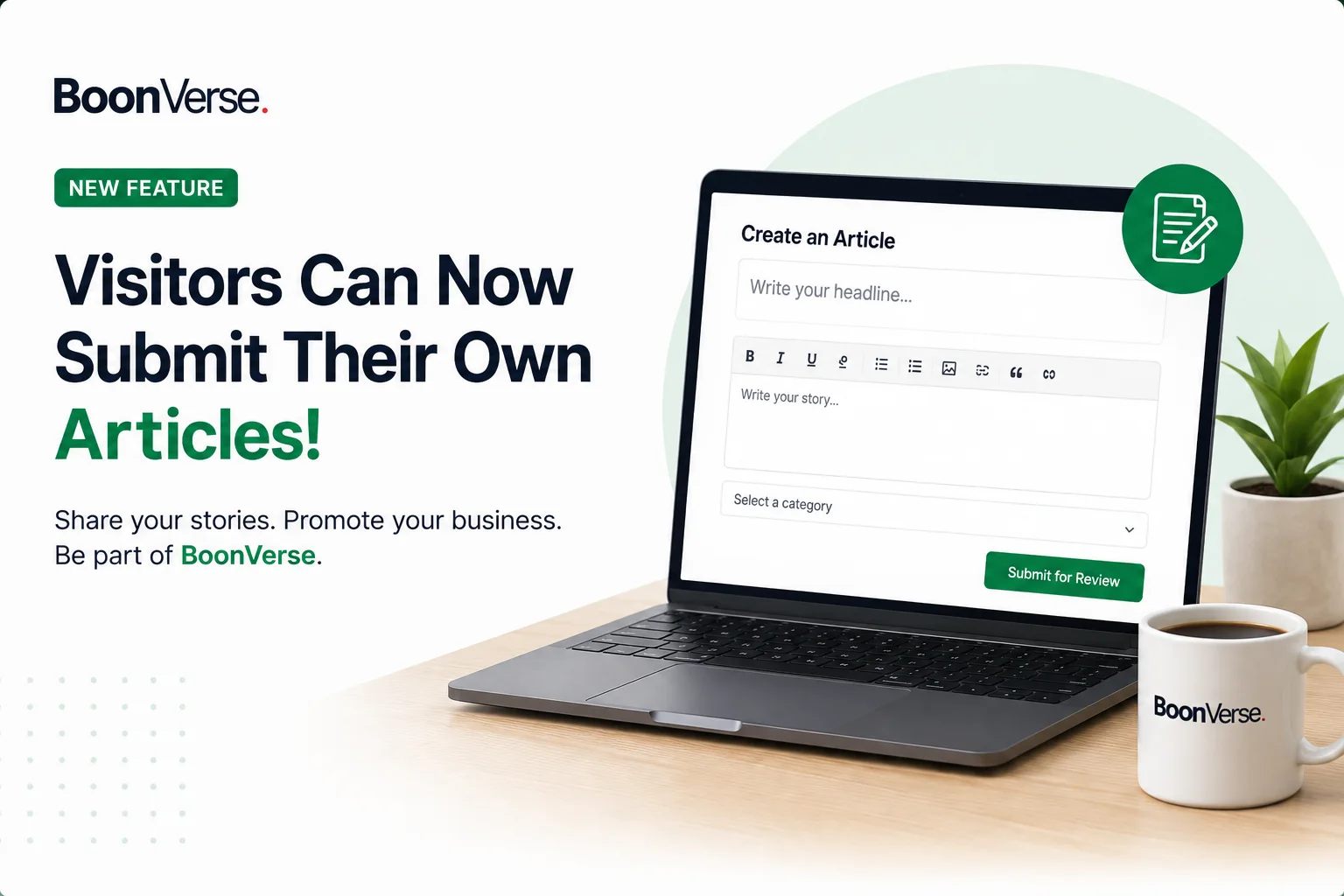
BoonVerse is taking another major step toward becoming an interactive publishing community by giving its readers the opportunity to become contributors.
The newly introduced Visitor Article Submission feature means registered users no longer have to be passive readers. After creating an account and signing in, visitors can prepare their own stories and submit them to the BoonVerse editorial team for review.
How to Submit an Article on BoonVerse
The process has been designed to be simple and accessible, including for people who have never published an article online before.
1. Create or log in to your BoonVerse account
Visitors must first have a registered BoonVerse account. Existing users who already use their accounts to like and comment on stories can use the same account—there is no need to register again.
2. Open the article submission section
After signing in, users can access the Submit Article option from their account. This opens the article creation page, where they can begin preparing their story.
3. Write your headline
Contributors start by creating a clear headline that tells readers what the article is about. The headline should accurately represent the content of the story and should not deliberately mislead readers.
4. Add a summary
The user then provides a short summary highlighting the most important point of the article. This gives readers a quick understanding of what they can expect from the full story.
5. Select the appropriate category
The article must be placed under a relevant BoonVerse category. Depending on the subject, users can choose from the categories currently available for community submissions, such as Business, Technology, Sports, Health, Education, Entertainment, Politics, Agriculture and others.
Choosing the correct category helps BoonVerse organize the article and makes it easier for interested readers to discover it.
6. Write the full article
The Full Story section is where contributors provide the complete details of their story. Users are encouraged to write clear, informative and original content and provide sufficient context for readers to understand the subject.
Contributors should avoid plagiarism, deliberately false information, spam and content they do not have permission to publish.
7. Upload pictures or other supported media
Contributors can add media to make their articles more informative and engaging. Where appropriate, users should upload relevant images that they own or have permission to use.
A photographer or media credit can also be provided where necessary.
Businesses Can Use the Feature Too
The feature is not limited to traditional news stories.
Entrepreneurs, companies, organizations and other legitimate initiatives can submit articles about their activities.
For example, a business owner may write an article about a new company, product launch, service, expansion, achievement, event or other development that could be relevant to BoonVerse readers.
Instead of simply posting a short advertisement, businesses have an opportunity to explain their story in greater detail through an article.
Business-related submissions are still subject to BoonVerse's review process and publishing standards. Submission therefore does not guarantee publication.
Submit the Article for Approval
Once the contributor is satisfied with the article, it can be submitted for review.
The article will initially receive a status such as Pending Review and will not immediately appear publicly on BoonVerse.
This is an important part of the process.
BoonVerse administrators or editors review submitted articles before publication. Depending on the submission, the editorial team may approve it, request changes or reject it if it does not meet the platform's standards.
What Happens After Approval?
When an article is approved, it is published on the public BoonVerse website.
The contributor can then open My Articles to see the publication status and select View Article for an approved story. This takes the user to the normal public article page where other readers can also access the story.
Once published, readers can interact with the article through features such as likes and comments, helping contributors see how the BoonVerse community is responding to their content.
Contributors Can Track Their Articles
The My Articles section gives contributors a convenient place to manage and follow their submissions.
Articles that are still editable can be updated where permitted, while published articles can be opened through the public website. Contributors can also see engagement information such as the number of likes and comments their published stories receive.
Quality and Responsibility Remain Important
Opening BoonVerse to community contributors does not mean that every submitted article will automatically be published.
The approval system is designed to help protect the quality of content available to readers.
Contributors should ensure that their submissions are original, accurate to the best of their knowledge and respectful of copyright and other people's rights. Promotional submissions should also provide genuine information rather than misleading readers.
BoonVerse reserves the ability to request corrections or decline submissions that fail to meet its publishing standards.
From Reader to Contributor
With the launch of community publishing, someone can now visit BoonVerse to read a story and later return to tell a story of their own.
Whether you have important information to share, a community story that deserves attention, an interesting development in your industry, or a business you want people to discover, the new submission feature provides an opportunity to bring that story to the BoonVerse community.
Create an account, write your story, submit it for review, and become part of the growing BoonVerse contributor community.